Every Dynamics 365 implementation has a gap nobody talks about in the project plan. You roll out the platform, you run the training sessions, you go live — and then the questions start. Why are sales reps skipping the opportunity qualification fields? Why does adoption of the new service module keep stalling in week three? Why are your support tickets spiking around a workflow you thought was intuitive?
The answer isn’t in your training completion reports. It isn’t in your helpdesk queue, either. It’s in exactly what users are doing the moment they sit down inside Dynamics 365 — where they click, where they hesitate, where they give up. And for most organizations, that behavioral data has been invisible.
That’s what heatmaps and session replays change. And with Clarity Connect 365 by VisualSP, you can get this visibility inside Dynamics 365 without writing a single line of code.
Microsoft Clarity is a powerful, free behavioral analytics tool — but it was designed for public websites. Internal enterprise applications like Dynamics 365 don’t work the same way. They sit behind authentication walls, use complex model-driven interfaces, and generate sensitive data that can’t be sent to external analytics platforms without proper governance controls.
This has left IT teams and business application owners in an awkward position. They have rich transactional data in Dynamics — deals closed, cases resolved, records updated — but zero insight into the experience that produced those outcomes. They know what happened. They have no idea how users got there, or whether the journey was smooth or a slog through three confusing screens.
Clarity Connect 365 bridges exactly that gap. It’s a no-code integration that extends Microsoft Clarity into internal Microsoft enterprise applications — including Dynamics 365 CE, Business Central, and supported Finance & Operations scenarios — giving you session recordings, heatmaps, and event tracking for internal workflows and business processes.

When you have heatmaps running inside Dynamics 365, the conversations you can have with your business stakeholders get very different very fast.
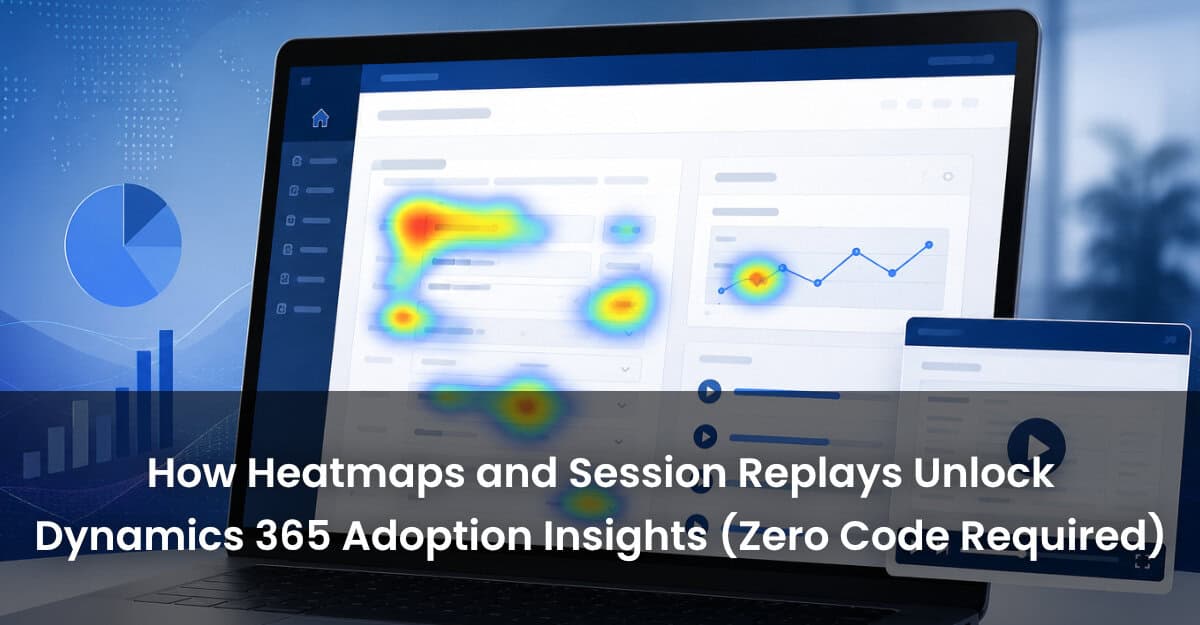
Instead of presenting training completion percentages, you can show where users are clicking on a form — and where they’re conspicuously not. If a critical field is below the fold on most screens and nobody’s filling it in, a heatmap makes that obvious in thirty seconds. No survey. No guesswork.
Session replays go one layer deeper. You can watch anonymized recordings of actual user sessions inside Dynamics — see how a sales rep navigates through opportunity stages, spot the moment they abandon a workflow halfway through, or identify which steps generate the most hesitation and back-tracking.
Key things you can track with Clarity Connect 365 in Dynamics 365:
One of the persistent frustrations with enterprise analytics tooling is the implementation overhead. Most organizations that want this kind of behavioral data end up in a multi-month project involving developers, Dynamics customization, and delicate instrumentation work. By the time it’s done, the rollout you needed insights for is already six months old.
Clarity Connect 365 takes a different approach. For Dynamics 365 and SharePoint, it uses a centralized installation package that’s admin-managed and controlled. For the broader Microsoft 365 environment — including Copilot experiences, Power Apps, and web apps — it deploys via a browser extension. You install it, you request Clarity tracking, VisualSP handles the setup. No custom development required.
The privacy controls are built in from the start. Organizations can configure data masking rules to prevent sensitive content from appearing in session recordings. Clarity Connect 365 is GDPR and CCPA compliant, and VisualSP does not store or replay any of the data itself.
The real leverage of this capability isn’t just knowing where users struggle. It’s being able to close the loop between training investments and measurable behavior change.
Say you run a guided walkthrough inside Dynamics for your sales team’s new pipeline management process. With session replay data, you can compare how users navigate that workflow before and after the training. Did the hesitation points disappear? Are people completing the required fields now? Is the average time-to-complete dropping?
That’s the kind of evidence that justifies the training budget, informs what to build next, and lets you have a real conversation with leadership about adoption ROI — not just completion rates and self-reported satisfaction scores.
Organizations trusted by VisualSP include NHS, Hyatt, Deloitte, Lockheed Martin, and Visa. These aren’t organizations that can afford to run blind on platforms as business-critical as Dynamics 365.
Most Microsoft shops are running their enterprise applications without any behavioral visibility. They’re optimizing based on support tickets and complaints — reactive, slow, and always catching up. Clarity Connect 365 puts you in front of the problems rather than behind them.
Clarity Connect 365 is available as a standalone product or as part of the VisualSP Digital Adoption Platform. Get a demo or start a free trial and have behavioral analytics running in your environment with no coding required. Get started with Clarity Connect 365 or Schedule a demo instead.
VisualSP accelerates digital adoption, digital transformation & user training.

Stop Pissing Off Your Software Users! There's a Better Way...
VisualSP makes in-app guidance simple.

