Microsoft Workflow Compliance
Workflow Compliance & Error Reduction — Inside Microsoft Workflows
For teams running critical workflows in Dynamics 365 Business Central, Dynamics 365 Sales, and SharePoint: reduce errors and risky shortcuts by guiding users step-by-step through each process — without slowing the work down.









Out with the Old
The Problem in Context
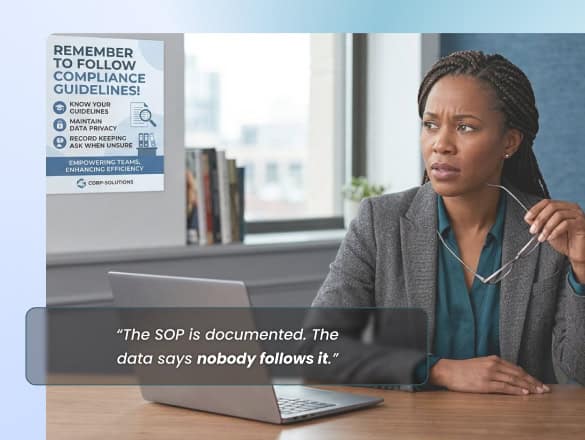
Errors rarely come from missing policies. They come from how work actually gets executed — users take risky shortcuts, skip required fields under pressure, forget complex procedures, and execute differently by team and region. The rework is discovered too late, and downstream reporting confidence pays for it.
VisualSP addresses it at the point of risk — step-by-step guidance, policy reminders, and field-level reinforcement inside the live system.
In with the New
What This Use Case Enables
A way to make the compliant path the default path: users are guided through critical workflows in the right order, with the right fields, inside Dynamics 365 and SharePoint — so execution standardizes without micromanaging.
Make the compliant path the default path.

Fewer manual errors, corrections, and late rework cycles.

Standardized execution across teams and regions — same process, same data quality.

Improved confidence in downstream reporting and audit posture.
How it works
From Insight to Enablement
Observe
Identify where execution deviates, where errors originate, and which steps get skipped.
Guide
Enforce the right steps in the right order with in-app walkthroughs and field-level prompts.
Measure
Track guidance engagement and error signals to prove process quality improves.
Prevent Errors at the Point of Action
If policies aren’t translating into compliant behavior, put the guidance where the risk lives — inside the workflow.
